ILI9488 Driver MicroPython for 3.5" TFT SPI 320x480 V1.0 Display
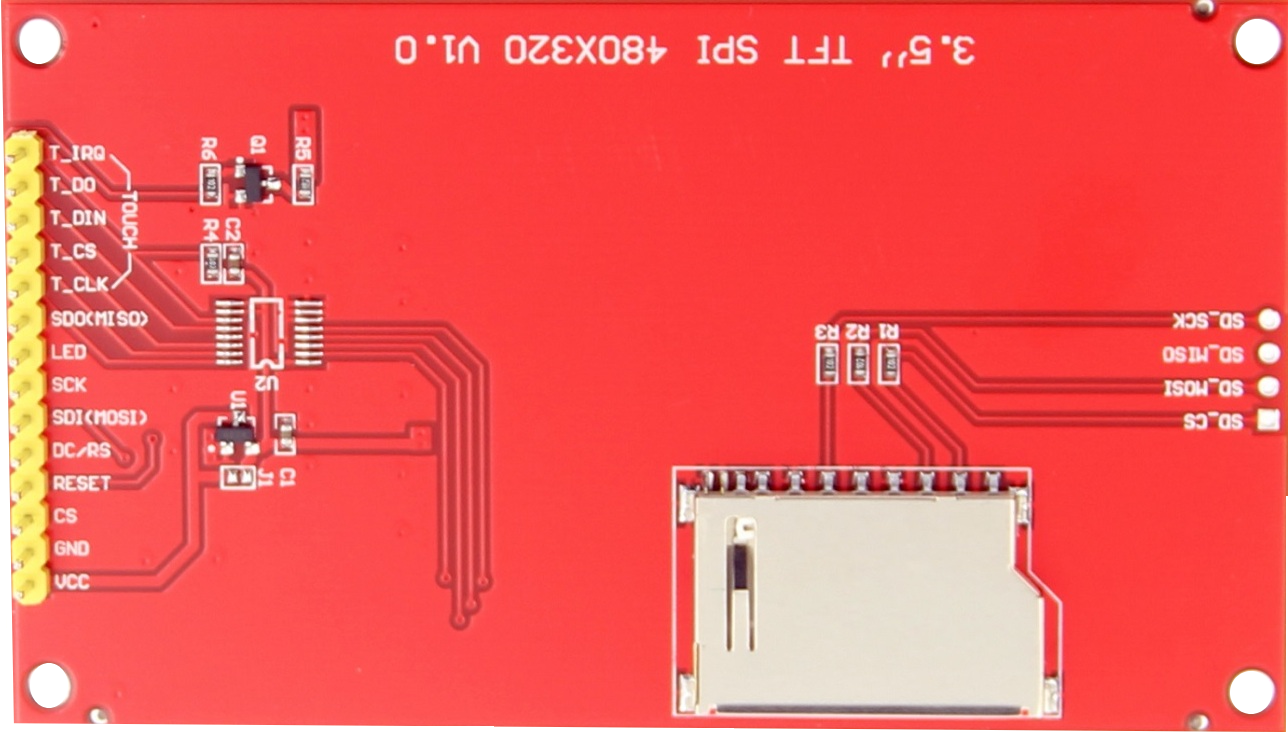
| Display Pins |
| Display |
Touch |
SD Slot |
| VCC |
|
|
| GND |
|
|
| CS |
|
|
| RESET |
|
|
| CS/RS |
|
|
| SDI (MOSI) |
|
|
| SCK |
|
|
| LED |
|
|
|
SDO (MISO) |
|
|
T_CLK |
|
|
T_CS |
|
|
T_DIN (MOSI) |
|
|
T_DO (MISO) |
|
|
T_IRQ |
|
|
|
SD_CS |
|
|
SD_MOSI |
|
|
SD_MISO |
|
|
SD_SCK |
File estructure on the microcontroller
📟 root microcontroller
├── 📁fonts (WE DON'T NEED ALL OF THEM)
|   ├── 📄vga1_8x8.py
|   └── 📄vga1_8x16.py
|   └── 📄vga1_16x16.py
|
├── 📄ili9488.py
├── 📄set_display.py (from boards/YOUR_BOARD)
├── 📄example.py (from examples)
└── 📄image.bmp (from examples)
Basic template set_display.py
from machine import SPI, Pin, SDCard
from ili9488 import driver
import os

SPI_ID = 1 # 2 on ESP32-S, ESP32-WROOM
SPI_BAUDRATE = 40000000

PIN_SCK  = YOUR_BOARD_SPI-CLK_PIN
PIN_MOSI = YOUR_BOARD_SPI-MOSI_PIN
PIN_MISO = YOUR_BOARD_SPI-MISO_PIN Only for touch board
PIN_CS   = YOUR_BOARD_SPI-CS_PIN

PIN_DC   = YOUR_BOARD_ANY_GPIO_PIN
PIN_RST  = YOUR_BOARD_ANY_GPIO_PIN
PIN_BL   = YOUR_BOARD_ANY_GPIO_PIN OR 3V3 PIN # Backlight (optional if not 3V3 Pin available)

SD_CS   = YOUR_BOARD_SD_CS_PIN
SD_MISO = YOUR_BOARD_SD_MISO_PIN
SD_MOSI = YOUR_BOARD_SD_MOSI_PIN
SD_SCK  = YOUR_BOARD_SD_SCK_PIN

MOUNT_POINT = "/sd"

# DONT TOUCH THE REST:
def setting(rotation=0):
    spi = SPI(
        SPI_ID,
        baudrate=SPI_BAUDRATE,
        polarity=0,
        phase=0,
        sck=Pin(PIN_SCK),
        mosi=Pin(PIN_MOSI),
        miso=Pin(PIN_MISO)
    )
    Pin(PIN_BL, Pin.OUT, value=1)

    display = driver(
        spi,
        PIN_CS,
        PIN_DC,
        PIN_RST
    )

    display.set_rotation(rotation)

    return display

def mount_sd():
    sd = SDCard(
        slot=2,
        sck=SD_SCK,
        mosi=SD_MOSI,
        miso=SD_MISO,
        cs=SD_CS
    )

    try:
        os.mount(sd, MOUNT_POINT)
    except OSError:
        pass

    return sd


def files():
    try:
        return os.listdir(MOUNT_POINT)
    except OSError:
        return []


def umount():
    try:
        os.umount(MOUNT_POINT)
    except OSError:
        pass
Boards settings:
Basic template code
from ili9488 import driver, Color # Class driver and Color
import set_display # SPI Pins of your board and SD Pins
import fonts.vga1_16x16 as font # Only if you're going to write

# Set display connection and rotation 0=0º, 1=90º, 2=180ª, 3=270ª
lcd = set_display.setting(0)

# Optional set SD connection and mount point
sd = set_display.mount_sd()

# Put a background color to the display or will be gray with scanlines
lcd.fill(Color.WHITE)

# Write text on screen
lcd.text("Luciano's tech", 0, 10, Color.RED, font, Color.PCYAN)

# SD basic usage
print(set_display.files())

fila = 0

for archivo in set_display.files():
    lcd.text(archivo, 0, fila, Color.WHITE,font, Color.RED)
    fila += 18
set_display.umount()
Class Color
See the next table on the web README version
| CONSTANTS COLOR |
| Color.{CONSTANT} |
RGB 565 HEX Code |
PREVIEW |
| BLACK |
0x0000 |
|
| WHITE |
0xFFFF |
|
| RED |
0xF800 |
|
| BLUE |
0x001F |
|
| GREEN |
0x07E0 |
|
| CYAN |
0x07FF |
|
| MAGENTA |
0xF81F |
|
| YELLOW |
0xFFE0 |
|
| ORANGE |
0xFD20 |
|
| PINK |
0xFE3F |
|
| MAROON |
0x7800 |
|
| PURPLE |
0x780F |
|
| OLIVE |
0x7BE0 |
|
| GREENYELLOW |
0xAFE5 |
|
| DARKGREEN |
0x03E0 |
|
| DARKCYAN |
0x03EF |
|
| DARKGREY |
0x7BEF |
|
| LIGHTGREY |
0xC618 |
|
| PRED |
0xFD75 |
|
| PORANGE |
0xFEB4 |
|
| PGREEN |
0xCFF7 |
|
| PYELLOW |
0xFFF6 |
|
| PCYAN |
0x9FBF |
|
| PBLUE |
0x9E1F |
|
| PPURPLE |
0xBD9F |
|
| TRED |
0xD945 |
|
| TORANGE |
0xF384 |
|
| TYELLOW |
0xF643 |
|
| TGREEN |
0x7568 |
|
| TDARKGREEN |
0x03E9 |
|
| ALL |
A list with all constants |
|
| rgb(red 5 bit,green 6 bit,blue 5 bits) |
Color.rgb(255,34,124) |
|
Functions
Fill the screen with a color from class Color or hex:
Draw a pixel:
Draw a character:
char(x, y, ch, color, font, bg=None, scale=1)
Write text:
text(text, x, y, color, font, bg=None, scale=1)
Draw a rectangle:
Draw a rectangle optimized:
fast_rect(x, y, w, h, color)
Draw a solid rectangle:
fill_rect(x, y, w, h, color)
Draw an ellipse:
ellipse(xc, yc, rx, ry, color)
Draw a solid ellipse:
fill_ellipse(xc, yc, rx, ry, color)
Draw a line, horizontal, vertical or diagonal:
line(x0, y0, x1, y1, color)
Plot a segmments given two points:
line_points(A, B, color=0xFFFF, thickness=1)
Draw an horizontal line:
hline(x, y, length, color)
Draw an horizontal line optimized:
fast_hline(x, y, length, color)
Draw a vertical line:
vline(x, y, length, color)
Draw a vertical line optimized:
fast_vline(x, y, length, color)
Draw a triangle:
triangle(x1, y1, x2, y2, x3, y3, color)
Draw a solid triangle:
fill_triangle(x1, y1, x2, y2, x3, y3, color):
Draw a polygon given a list of points and color:
Draw a solid polygon given a list of points and color:
fill_polygon(points, color)
Draw a polygon given a variable list of points and color:
var_polygon(*points, color)
Draw a regular polygon with angle rotation:
regular_polygon(xc, yc, radius, sides, color, rotation=0)
Draw a solid regular polygon with angle rotation:
fill_regular_polygon(xc, yc, radius, sides, color, rotation=0)
Draw a circle:
circle(xc, yc, radius, color)
Draw a solid circle:
fill_circle(xc, yc, radius, color)
Draw a filled ring:
fill_ring(xc, yc, rx, ry, width, color)
Plot axes with 4 quadrants:
axes(origin_color=0xFFFF, tick_color=0xFFFF, axis_color=0xFFFF, center_dot=True, tick_size=6)
Plot a point:
plot(x, y, color=0xFFFF, thickness=1)
Plot a function:
plot_function(func, x_min, x_max, step=0.05, color=0xFFFF, thickness=1)
Draw image buffer at x,y position:
blit_buffer(buffer, x, y, width, height)
Show BMP image 1:1 :
show_bmp(filename, x=0, y=0)
Show BMP image fitting on display:
Show BMP image stretching on display:
show_bmp_stretch(filename)
Show BMP image choosing mode: None= 1:1, "fit", "stretch":
bmp(filename, x=0, y=0, mode=None)
Select rgb color 565:
Get lcd width:
lcd = set_display.setting(0)
print(lcd.width)
Get LCD height:
lcd = set_display.setting(0)
print(lcd.height)
Set Scale:
lcd = set_display.setting(0)
lcd.set_scale(scale_x, scale_y)
List all files on SD Card:
sd = set_display.mount_sd()
set_display.files()
Umount SD Card:
sd = set_display.mount_sd()
set_display.umount()
Display's manual
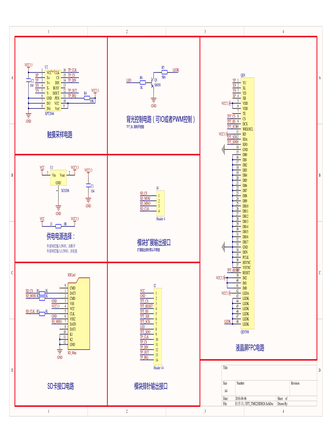
Display's schematics
ILI9488 Datasheet:
Waveshare ESP32 Getting started tutorials:
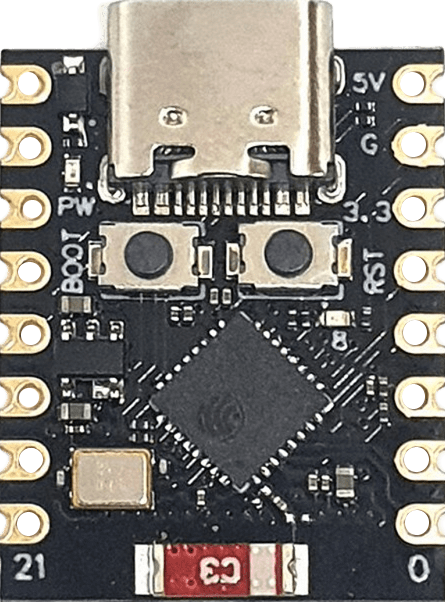
ESP32-C3 SUPER MINI:
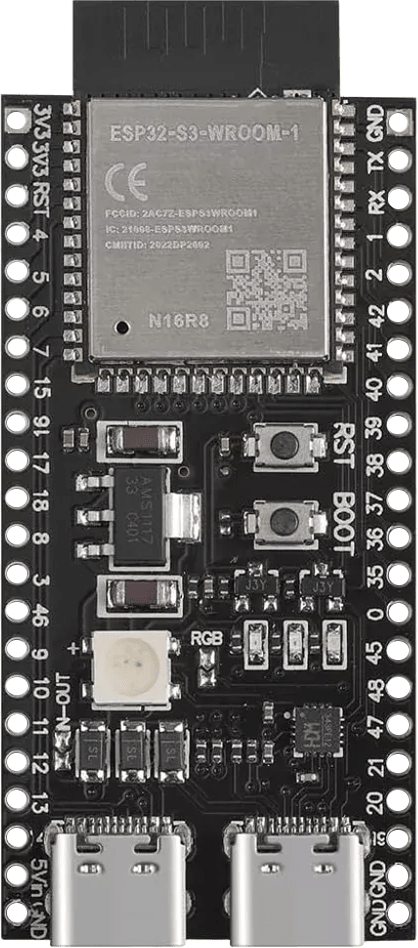
ESP32-S3 WROOM-1 16MB PSRAM 8MB:
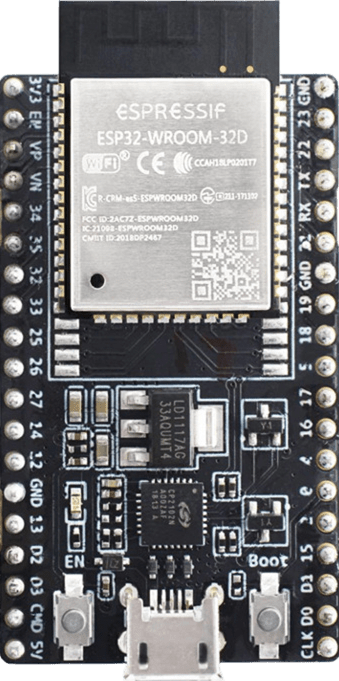
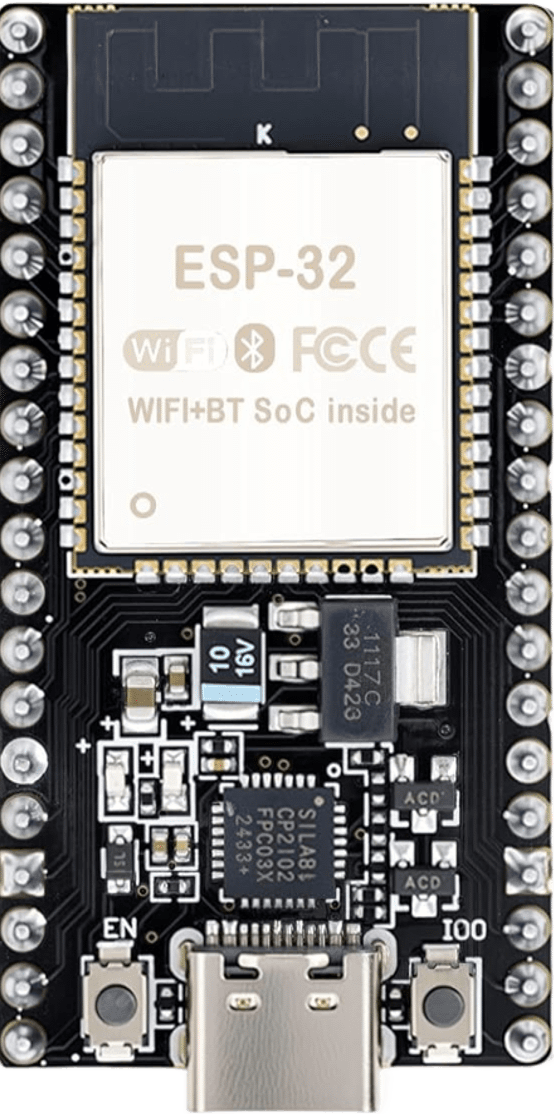
ESP32 WROOM 32D:
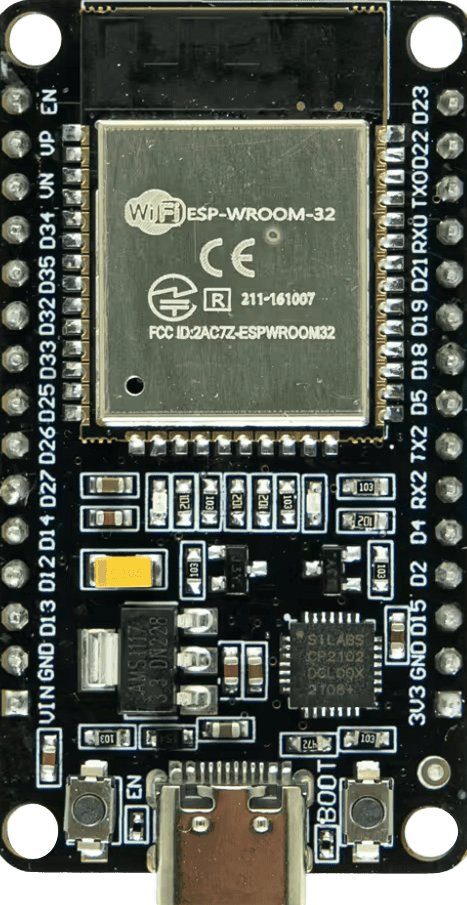
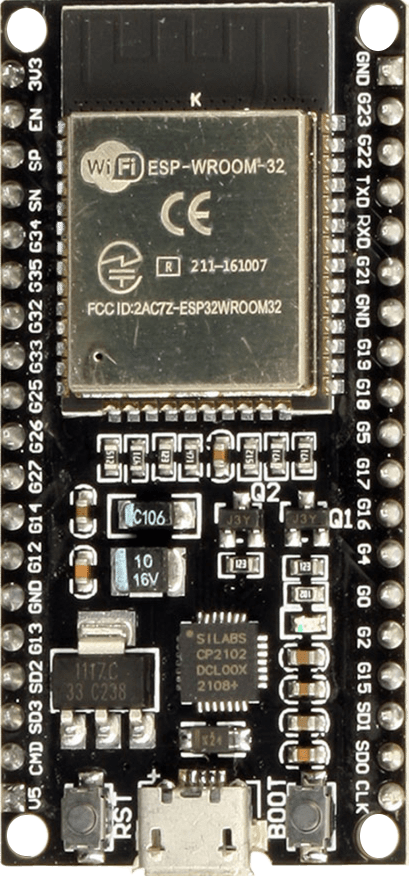
ESP32 WROOM 32 30 Pins:
ESP32 WROOM 32 38 Pins:
NodeMCU ESP32-S:
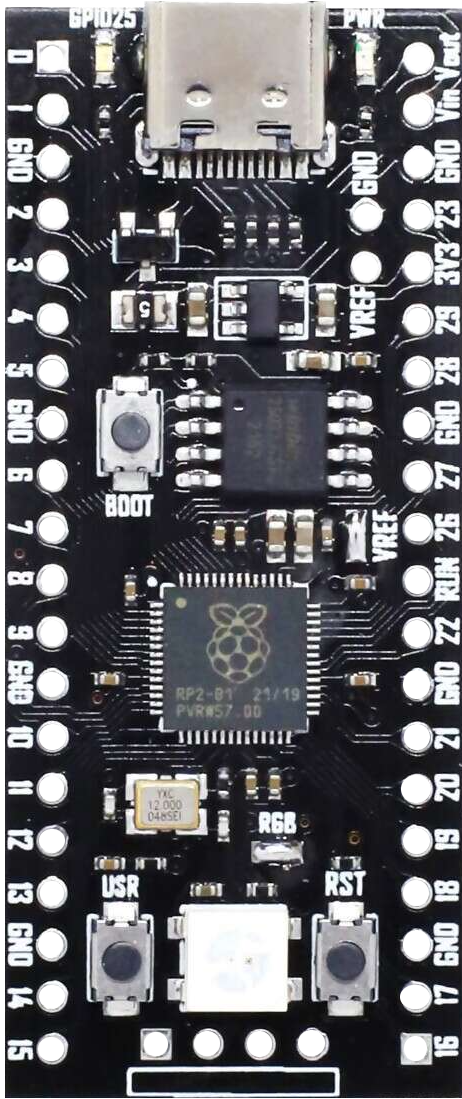
YD-RP2040 16MB:
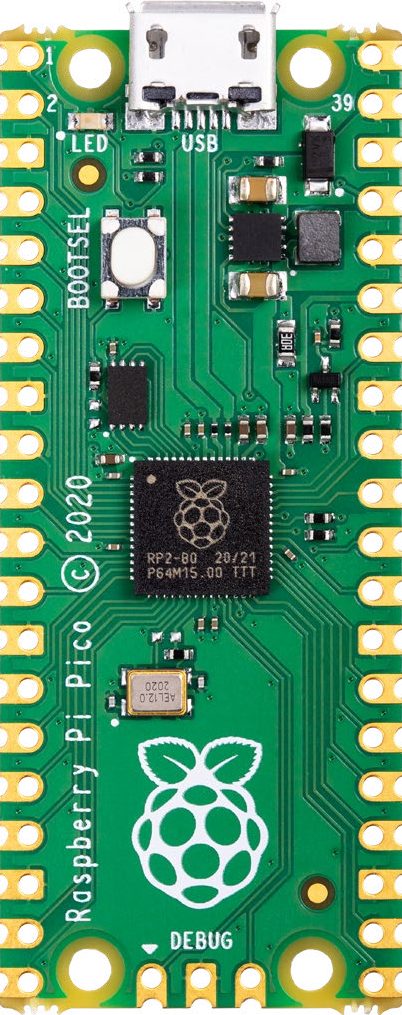
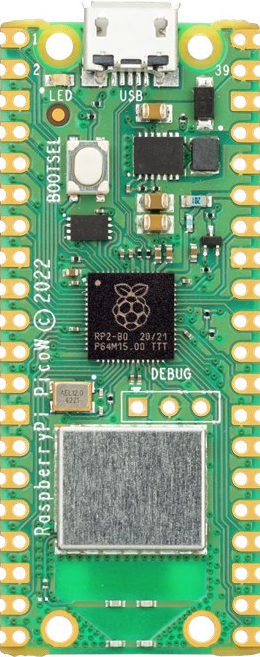
Raspberry Pi Pico:
Raspberry Pi Pico W:
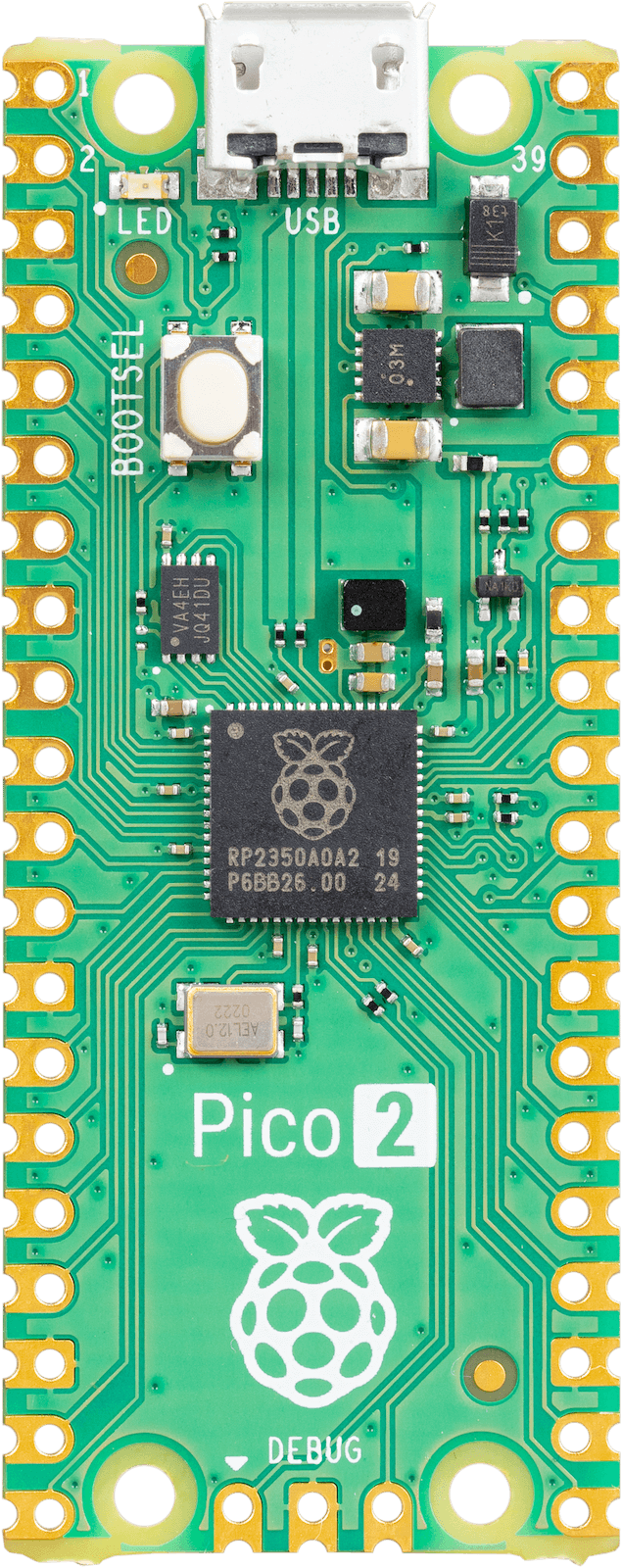
Raspberry Pi Pico 2:
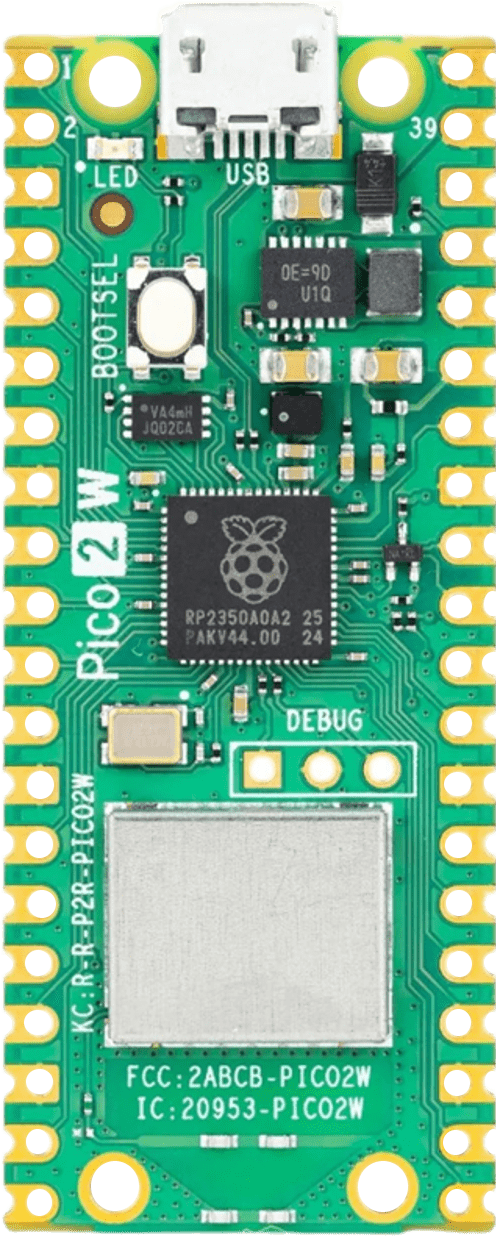
Raspberry Pi Pico 2W:
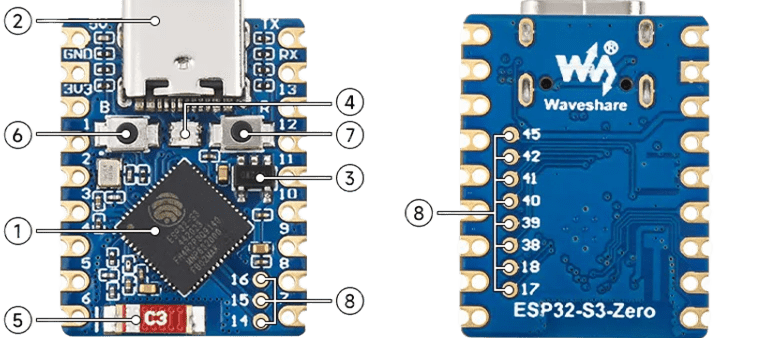
Waveshare ESP32-S3 Zero:
Waveshare ESP32-C3 Zero: